
Digital permits work best when the rules, exceptions, and rollout steps are clear before launch. If your property is moving away from hangtags, stickers, or spreadsheet-based tracking, this checklist can help you avoid the most common gaps.
For a service overview, start with our digital permit parking page.
1. Define who needs access
Start by listing the groups that need different parking privileges.
- Residents or tenants
- Employees or staff
- Guests and visitors
- Vendors or contractors
- Temporary users such as move-ins, deliveries, or event support
The goal is not to create unnecessary permit types. It is to create only the categories you need to enforce rules consistently.
2. Decide how exceptions will be handled
Most permit problems come from edge cases, not the standard user.
Before launch, decide:
- Who can issue guest passes
- How long temporary access lasts
- What happens when a plate changes
- How towing or citations are paused during approved exceptions
If enforcement is part of the plan, map those exception paths early with your parking enforcement workflow.
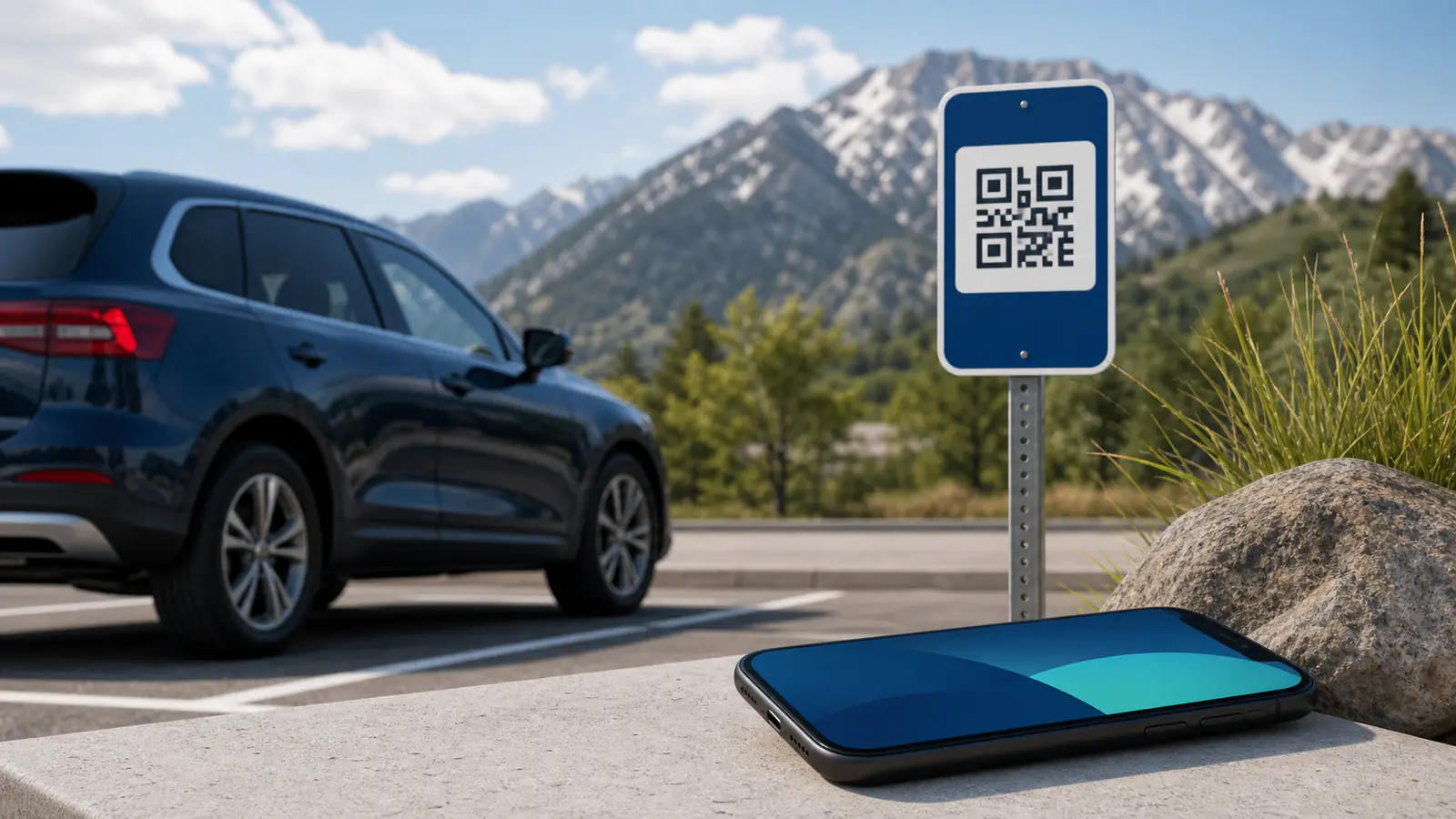
3. Make the registration flow simple
Drivers should understand the process in one pass.
- Keep the required fields short and necessary
- Explain when approval is automatic versus manual
- Tell users how renewals, transfers, and guest access work
- Confirm where support requests should go
Simple instructions reduce both support volume and field disputes.
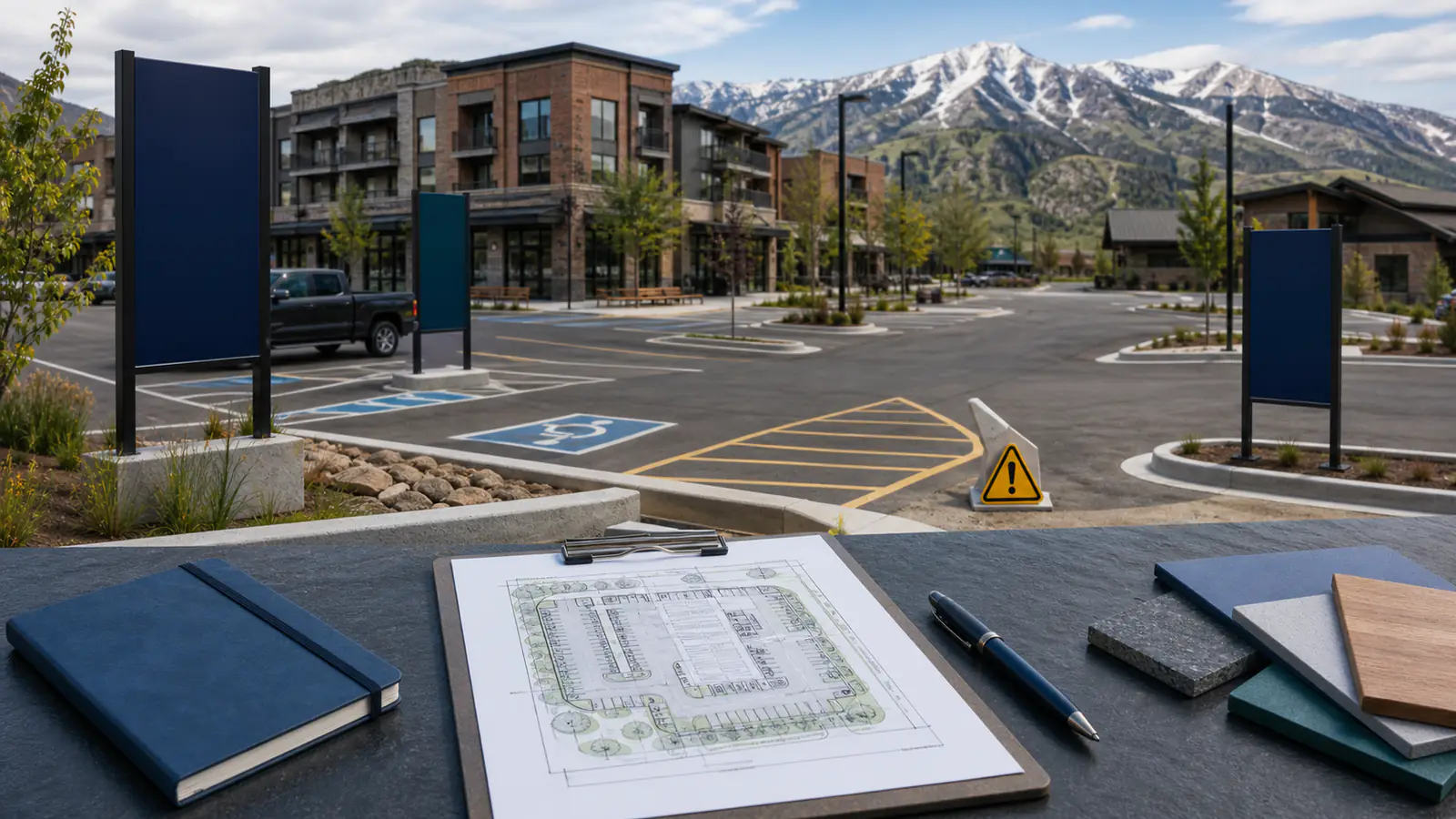
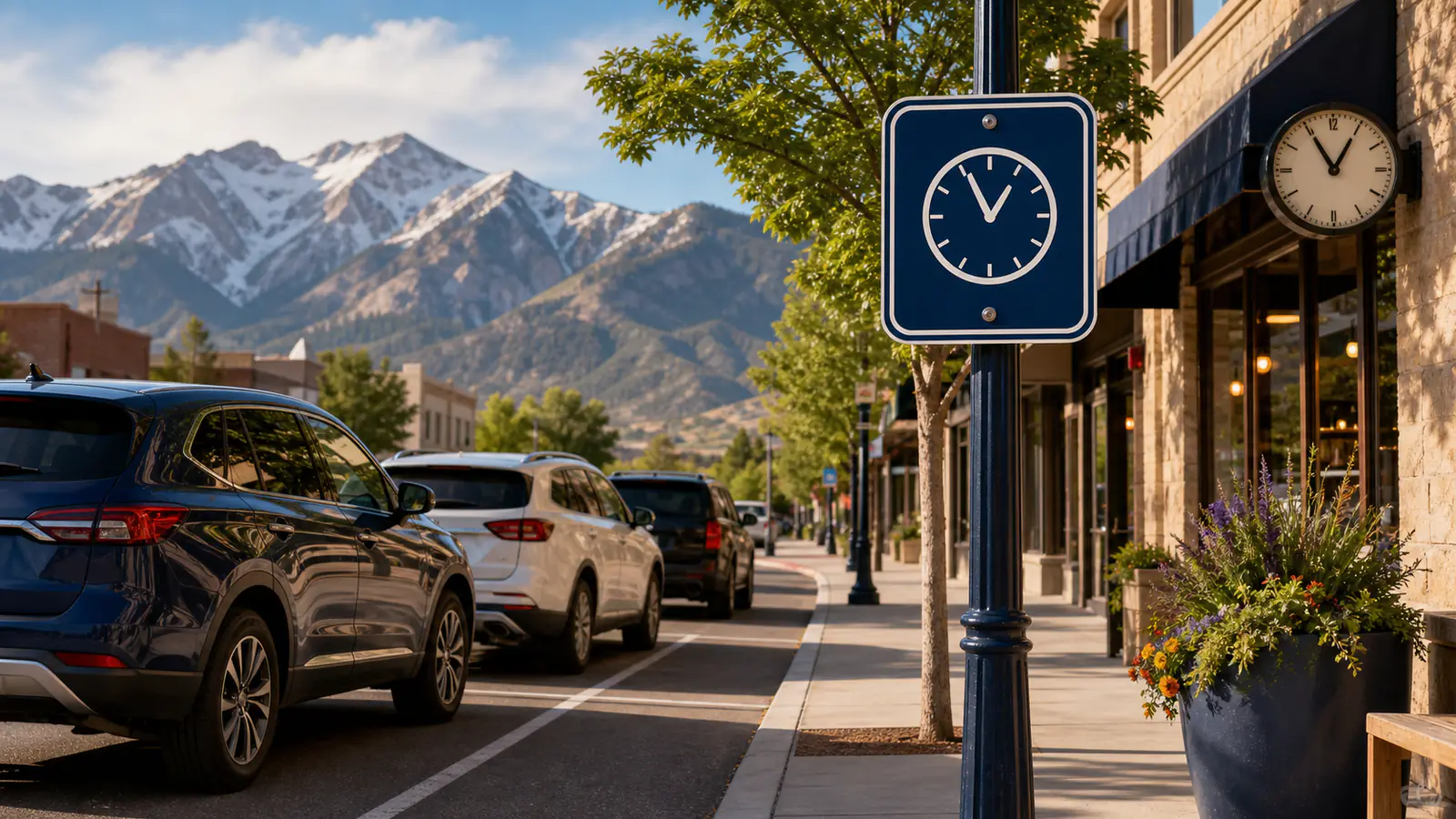
4. Update signage and policy language
A digital system still depends on visible, readable rules on site.
Check that signage answers these questions:
- Who may park here
- Whether a permit is required
- How guest access works
- What happens when a vehicle is not registered
- Where drivers can get help or appeal an action
If the policy is not easy to explain on a sign, it will not be easy to enforce in the lot.
5. Connect permits to field verification
Permit data should line up with the way your team verifies vehicles.
- Decide whether staff, LPR, or both will verify permits
- Confirm how guest passes appear in the field
- Test vehicle lookups before launch day
- Make sure photo documentation and notes follow the same rules every time
This is where a permit program becomes an operating process instead of just a database.
6. Plan the rollout communication
Drivers need to know what changes, when it changes, and what to do next.
Before launch, prepare:
- A short announcement email or resident notice
- A reminder schedule
- Answers to common questions
- A transition window for legacy permits, if needed
The cleaner the communication, the fewer exceptions you will have to manage after go-live.
7. Review the first month of activity
The first 30 days usually reveal where the rules are still unclear.
Watch for:
- Repeated guest-access questions
- Frequent plate updates or correction requests
- Permit categories that are too broad or too narrow
- Violations tied to unclear signage or unclear instructions
If you need help sorting permit types, guest rules, or enforcement coordination, contact us.
Keep Reading
Related parking articles
How to set fair time-limited parking rules
Use this framework to set time limits, exemptions, signage, and enforcement for visitor parking without confusing residents or customers.
What a digital parking system includes for Utah properties
Learn what a digital parking system can include for Utah properties, including mobile payments, permits, enforcement workflows, and practical reporting.
How to choose a parking enforcement company in Utah
How to evaluate a Utah parking enforcement company, from site rules and signage to documentation, appeals, communication, and ongoing review.
Next step
Need help with a parking program?
If this article raised questions about your property, talk with our team about permits, payments, enforcement, or event support.